

I’ve been using this app for a couple of days now and it honestly changed how I study. Charts and streaks keeps me more motivated and organized. My tip to get the most out of it is don’t leave your course outlines empty, it makes a huge difference for when you wanna get your plan.
Study timer and tracker
Track every minute
you study.
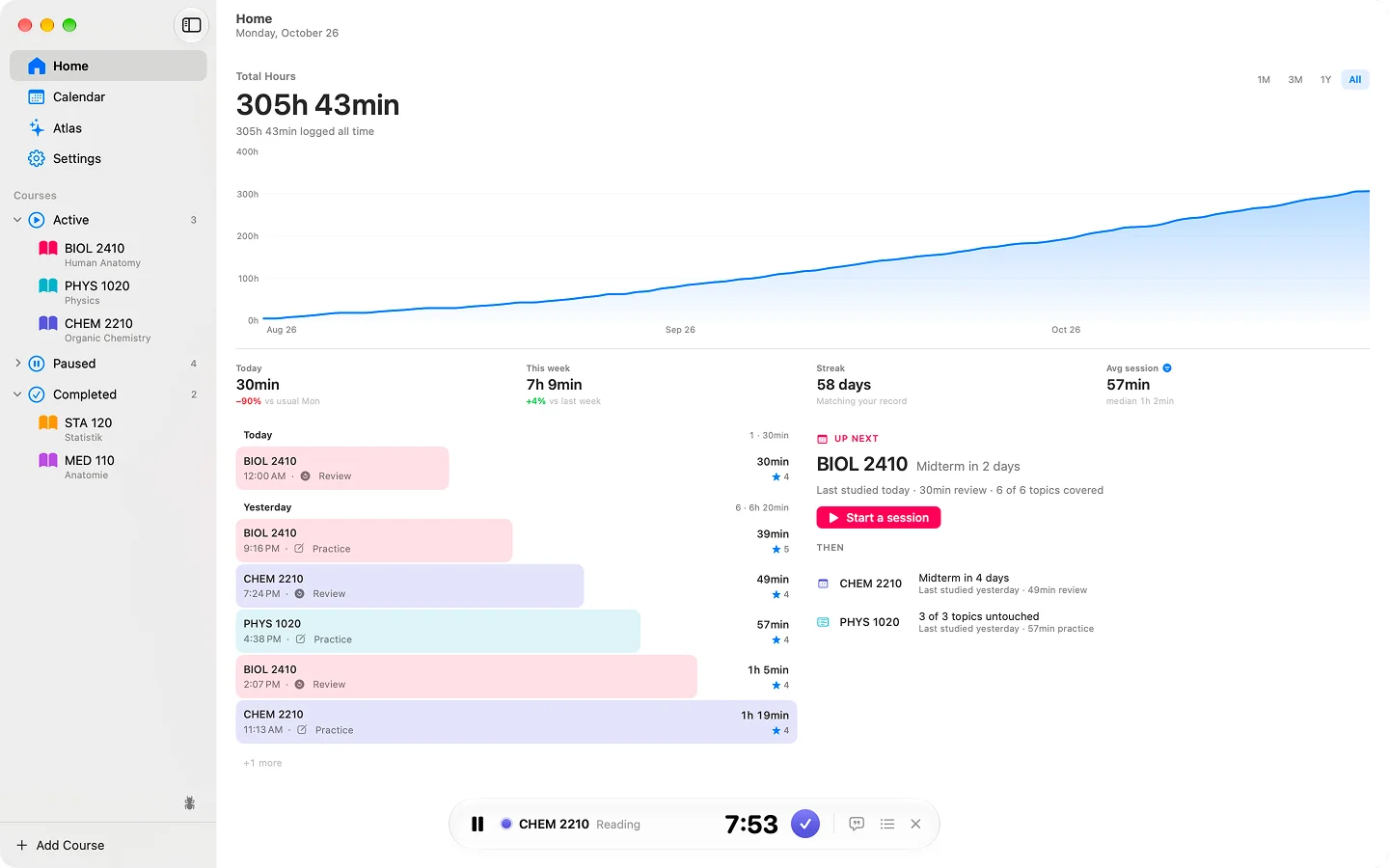
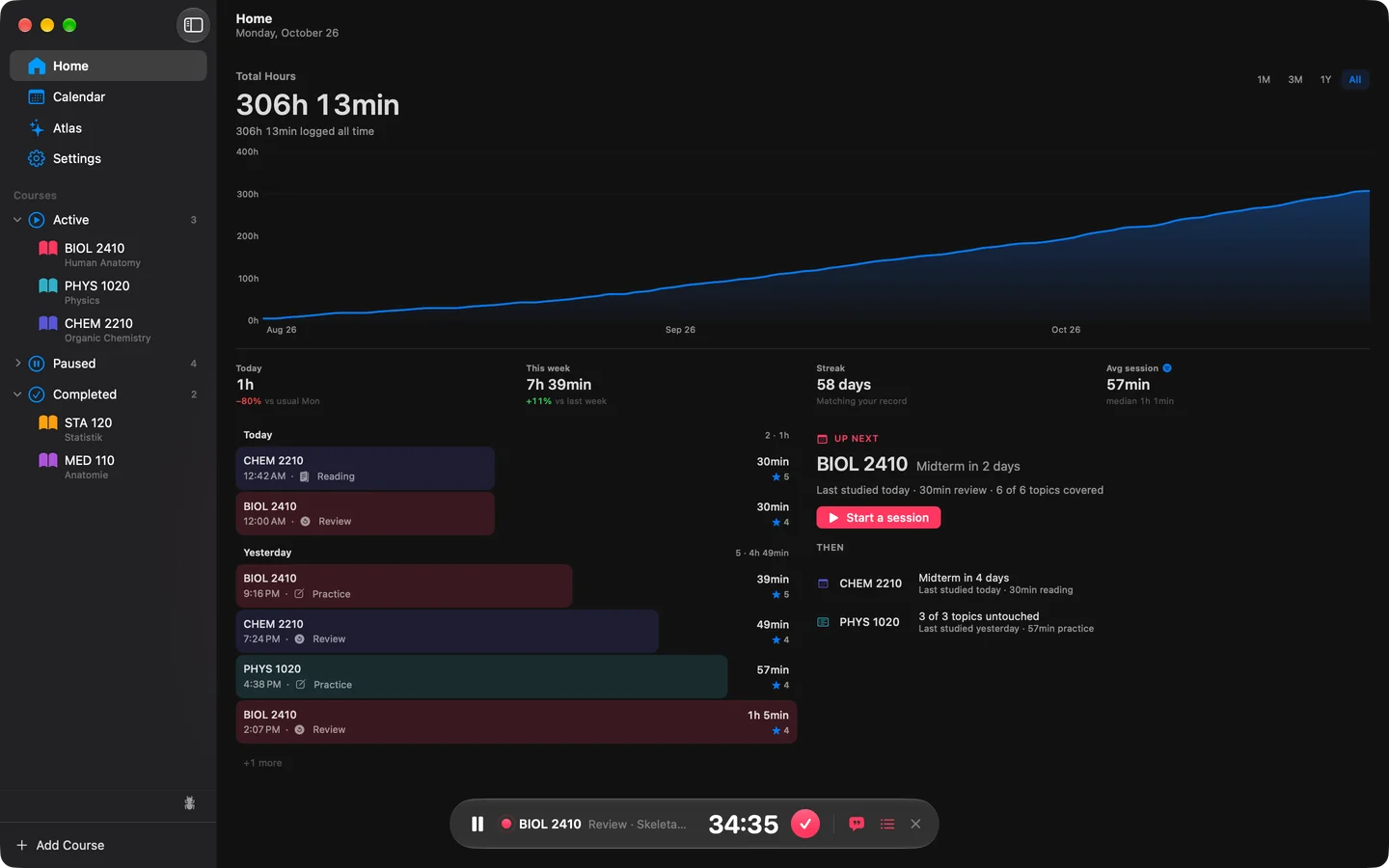
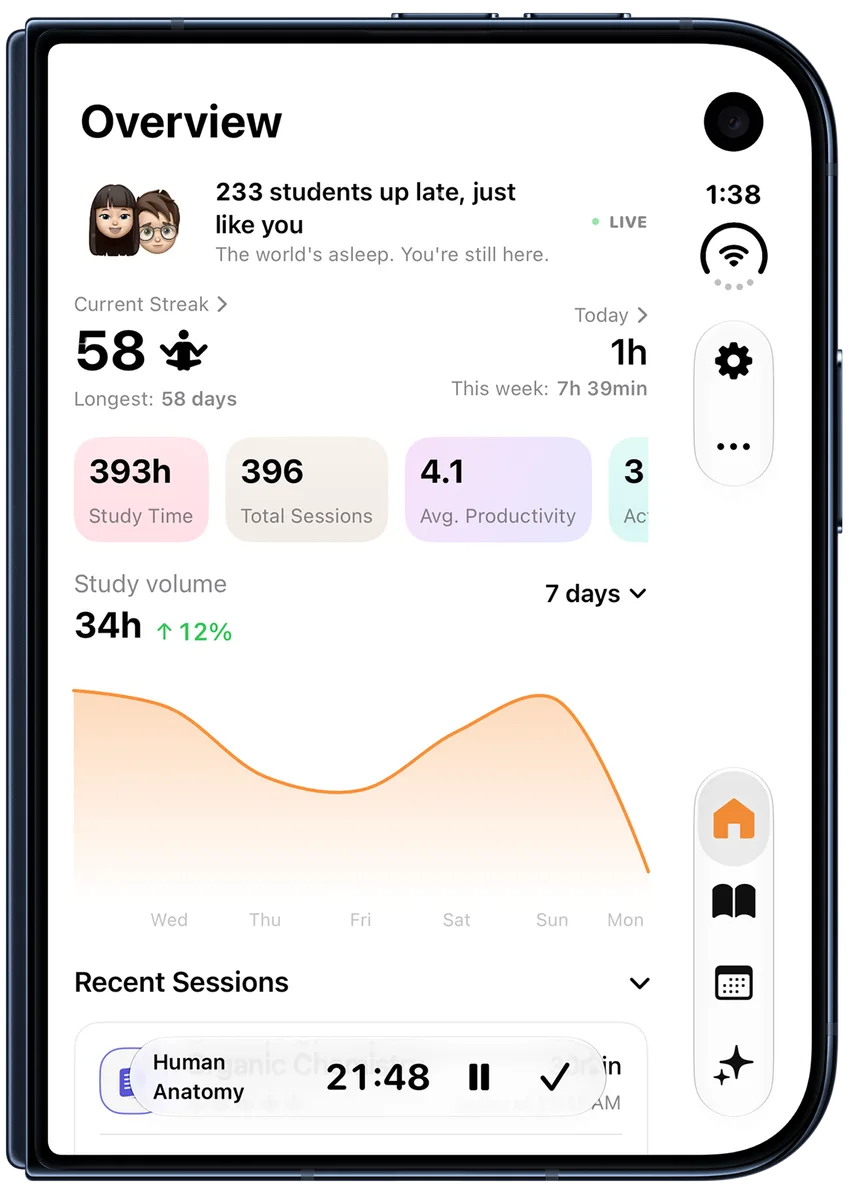
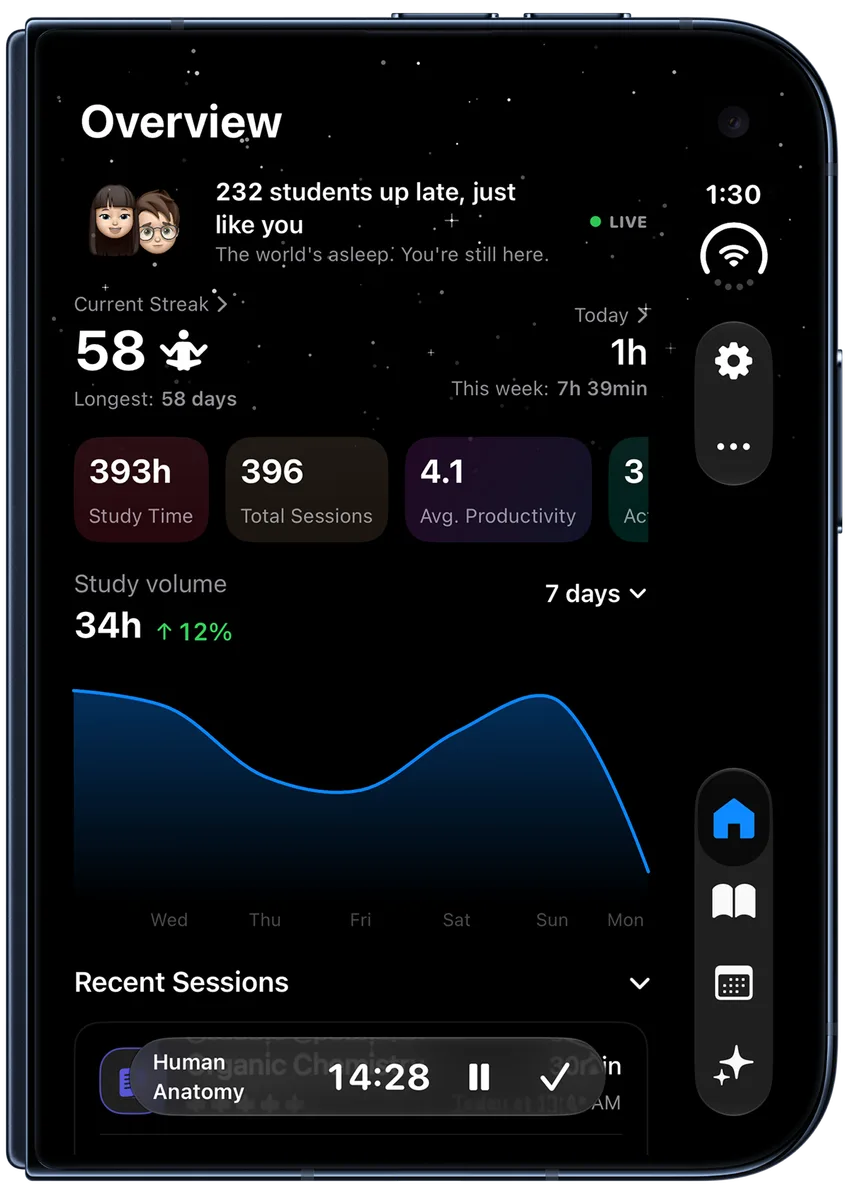
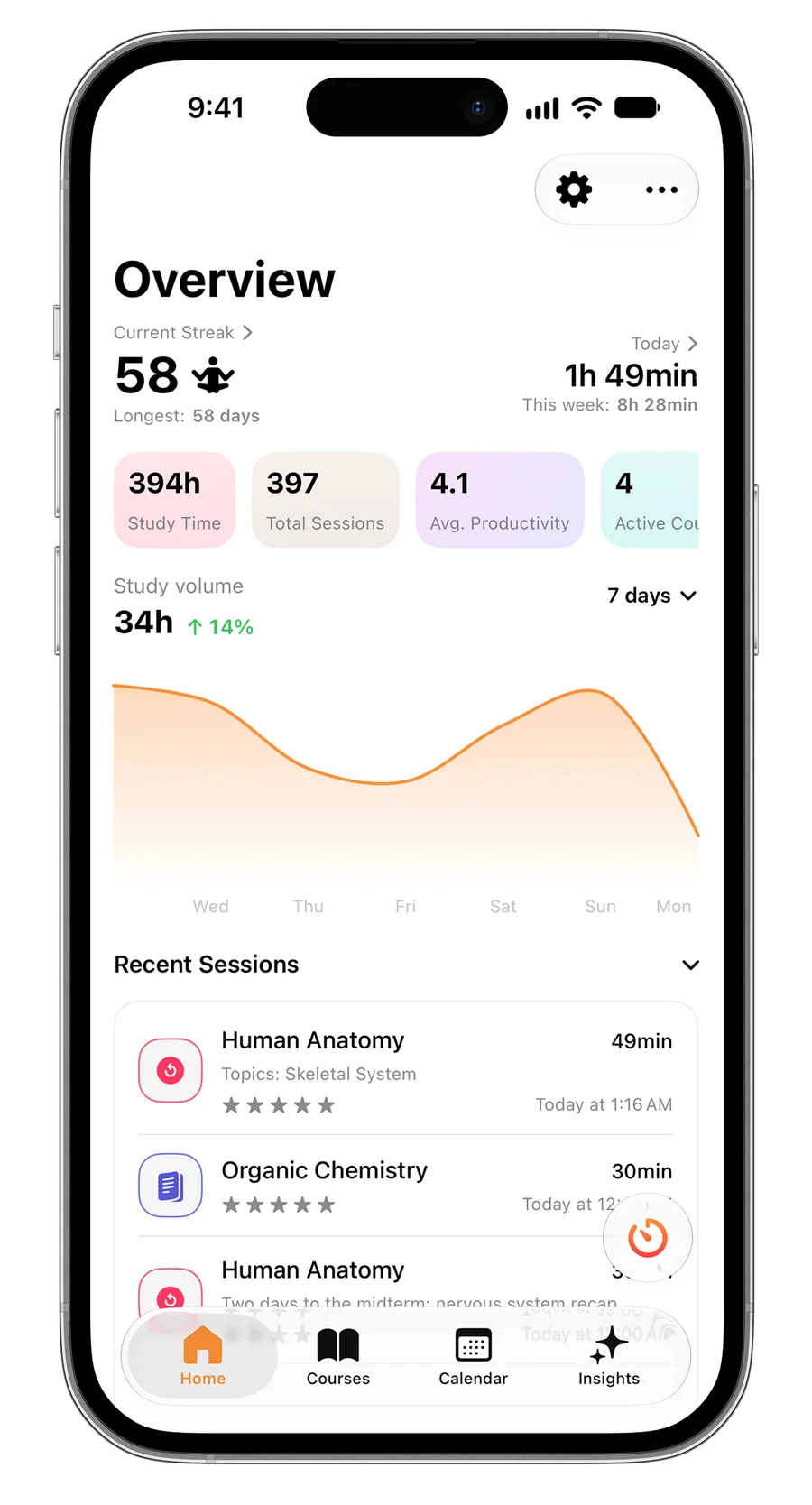
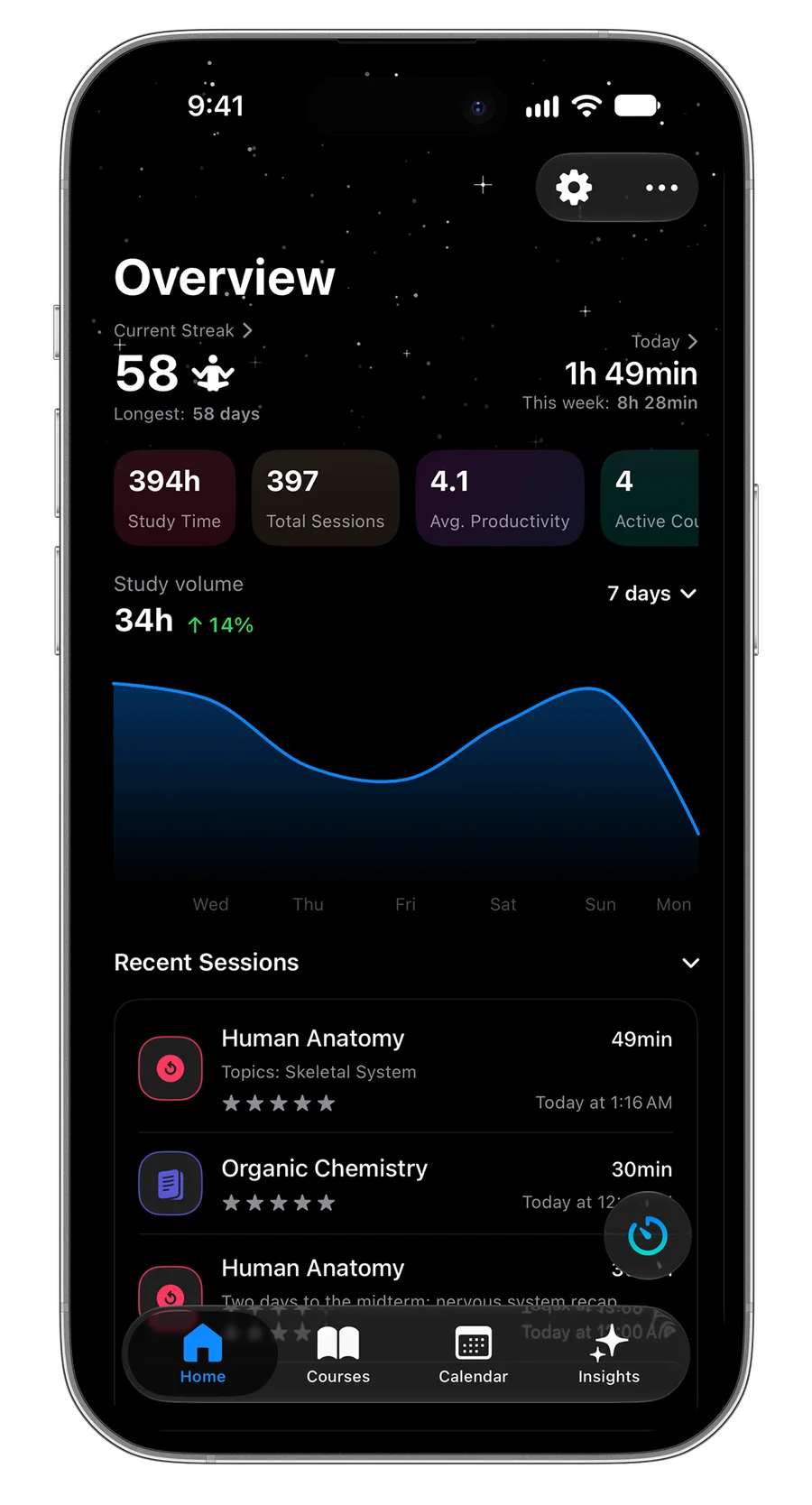
Time your sessions, tag them by course and topic, and Estudylog shows you the rest: your streak, your peak hours, what you have covered and how you study. On iPhone, iPad, Mac, Apple Watch and Android.
9:41
47:30
Human Anatomy
How it works
Start a timer.
Rate it when you’re done.
Logging a session takes a few seconds, so you actually keep doing it. Forgot to start the timer? Quick Add the time afterwards.
-
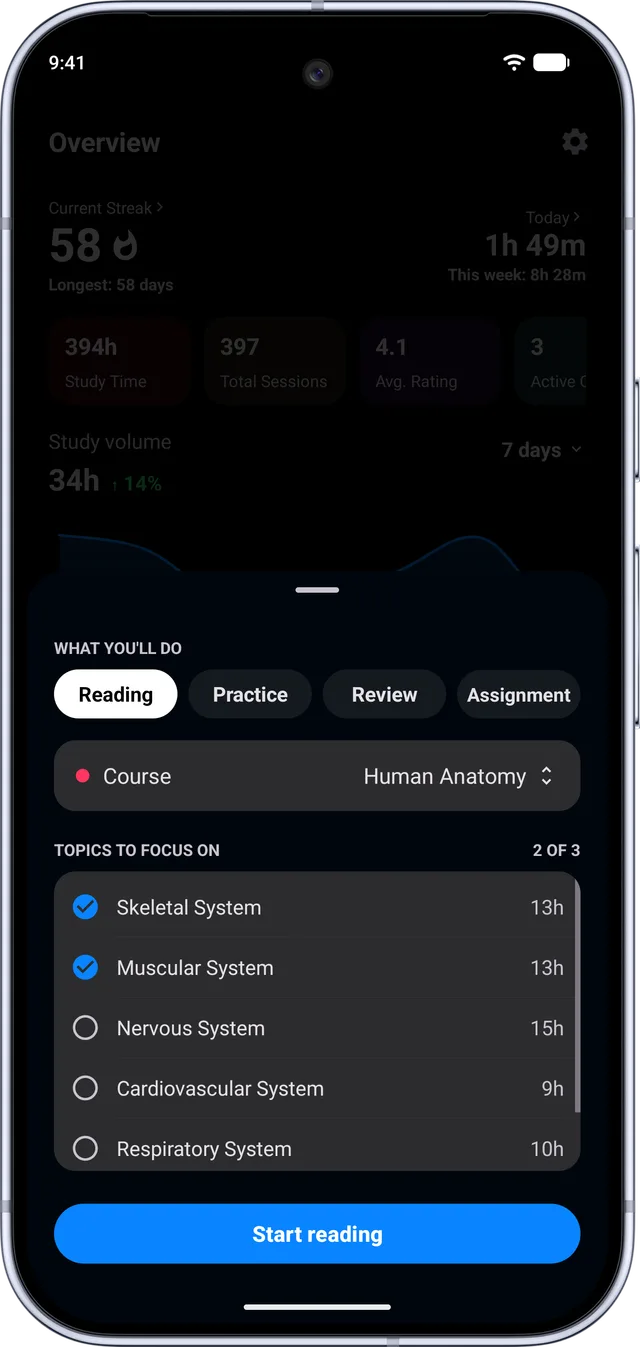
1Start
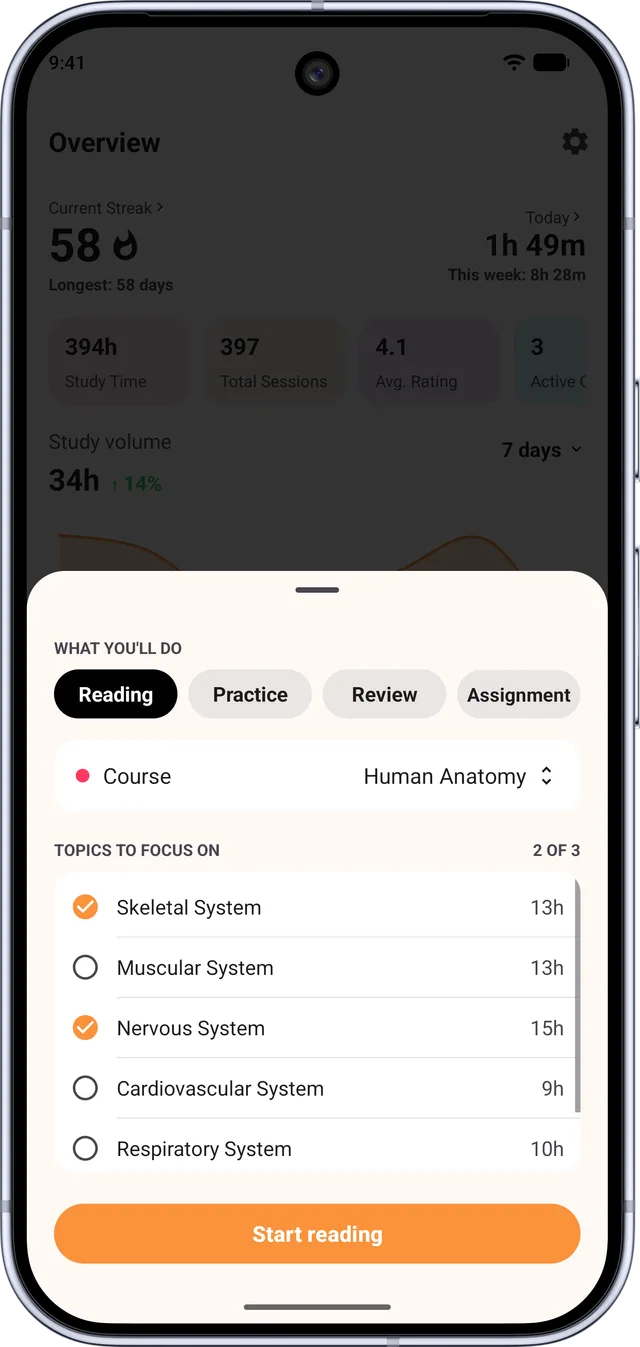
Pick the course, what you’re doing and the topics you’ll cover.
-
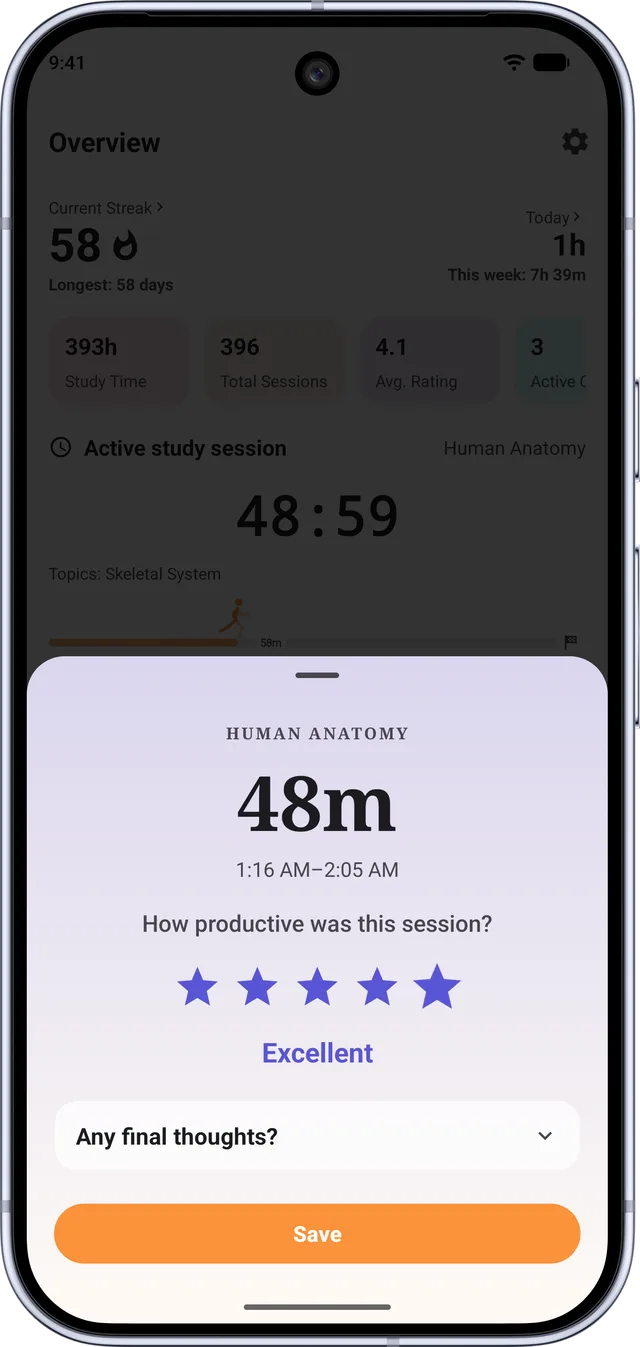
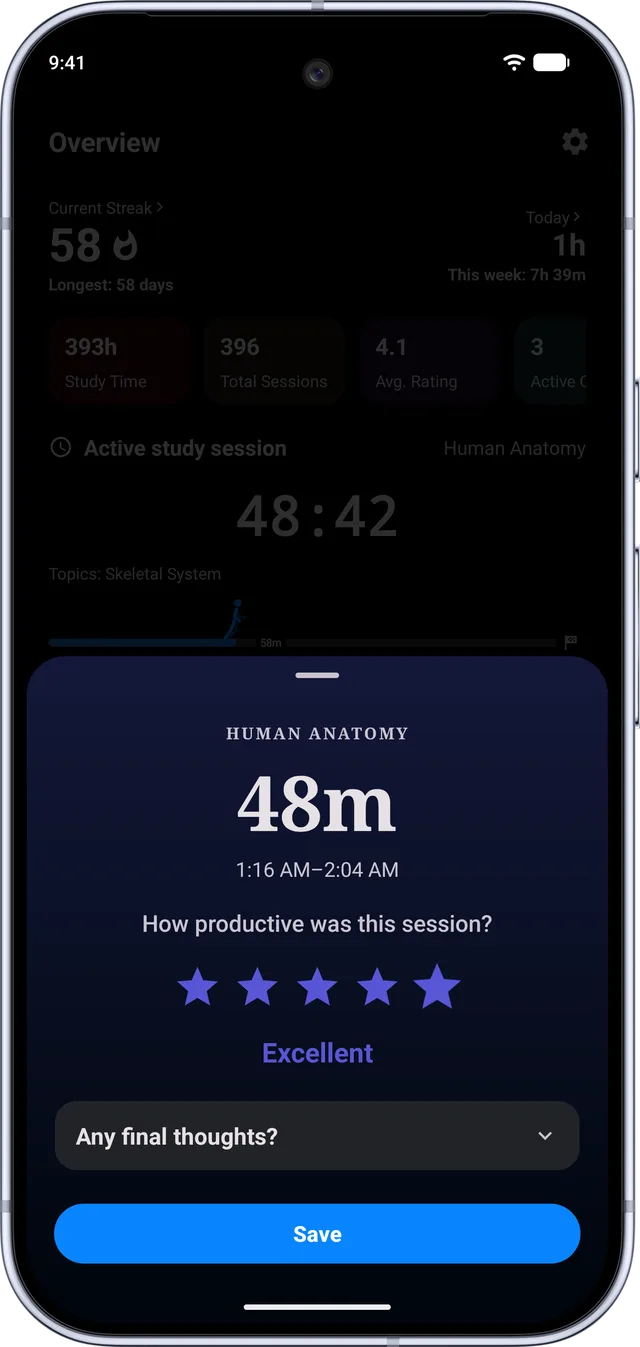
2Finish and rate
Stop the timer and rate how productive it felt. That rating is what your insights are built on.
Apple Watch
Or finish it from your wrist.
Pause, stop or finish a session without reaching for your phone, then rate it right there. It lands in the same history as everything else.
9:41
47:30
Human Anatomy
9:42
How productive?
Study methods
Then see how you actually study.
Each session is reading, practice, review or an assignment. The breakdown shows what your hours are really made of, so a week of re-reading can’t pass for a week of practice.
Learn why active recall works(method matters)
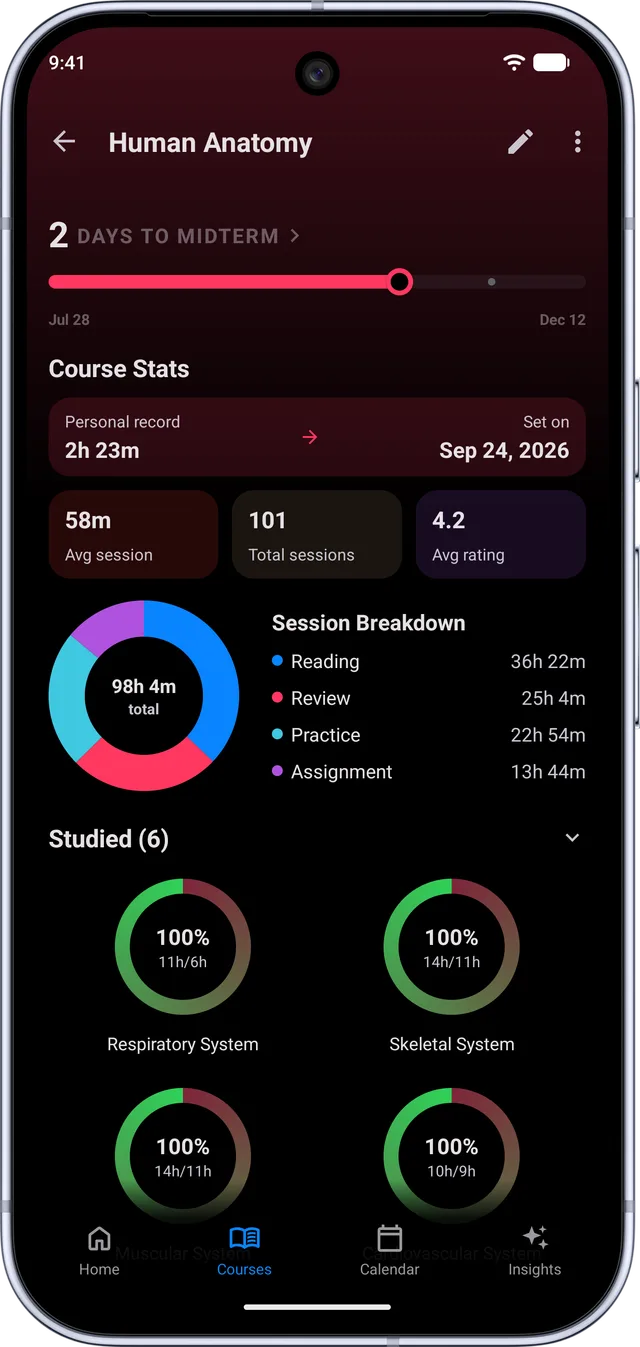
Android
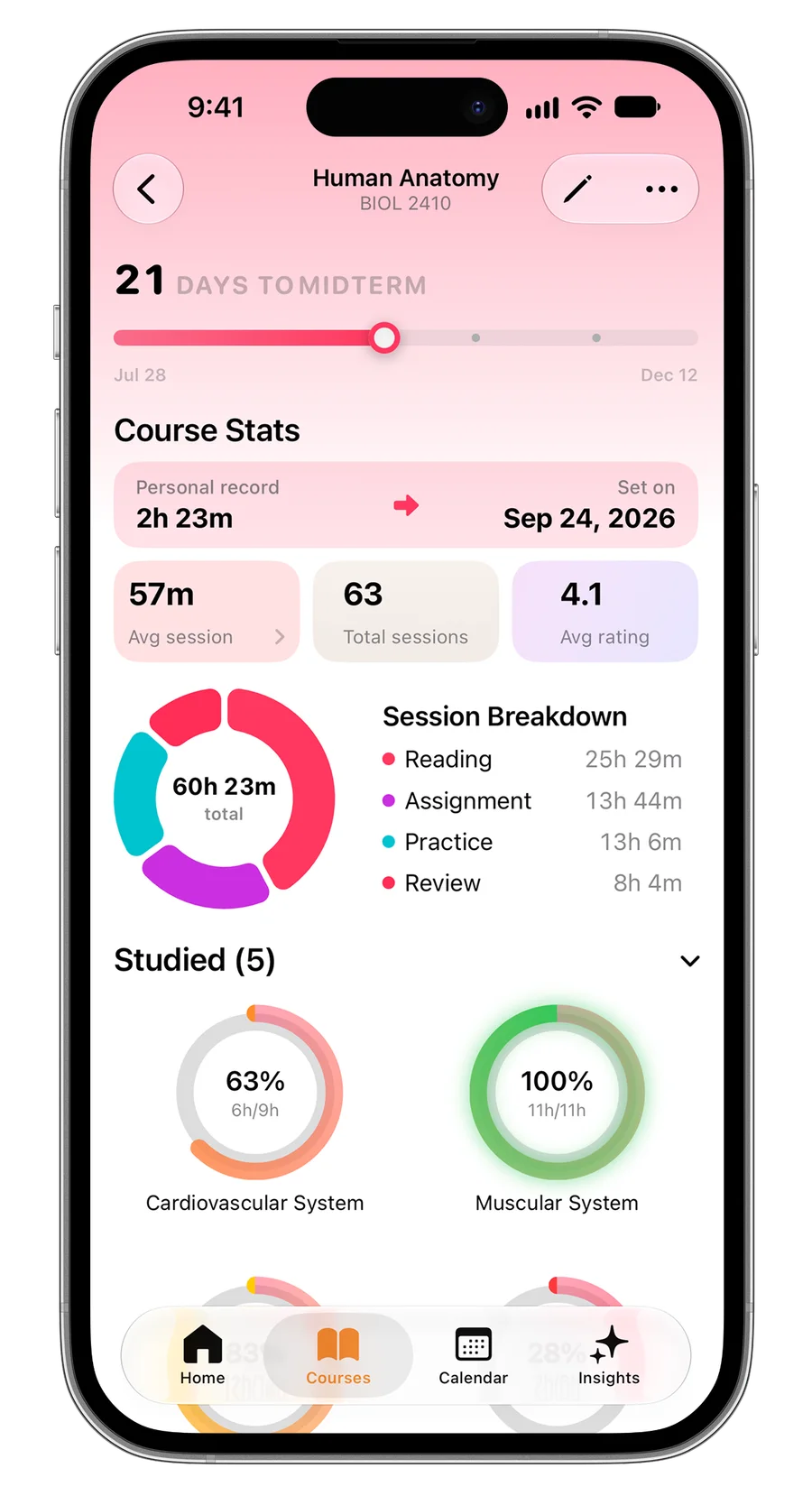
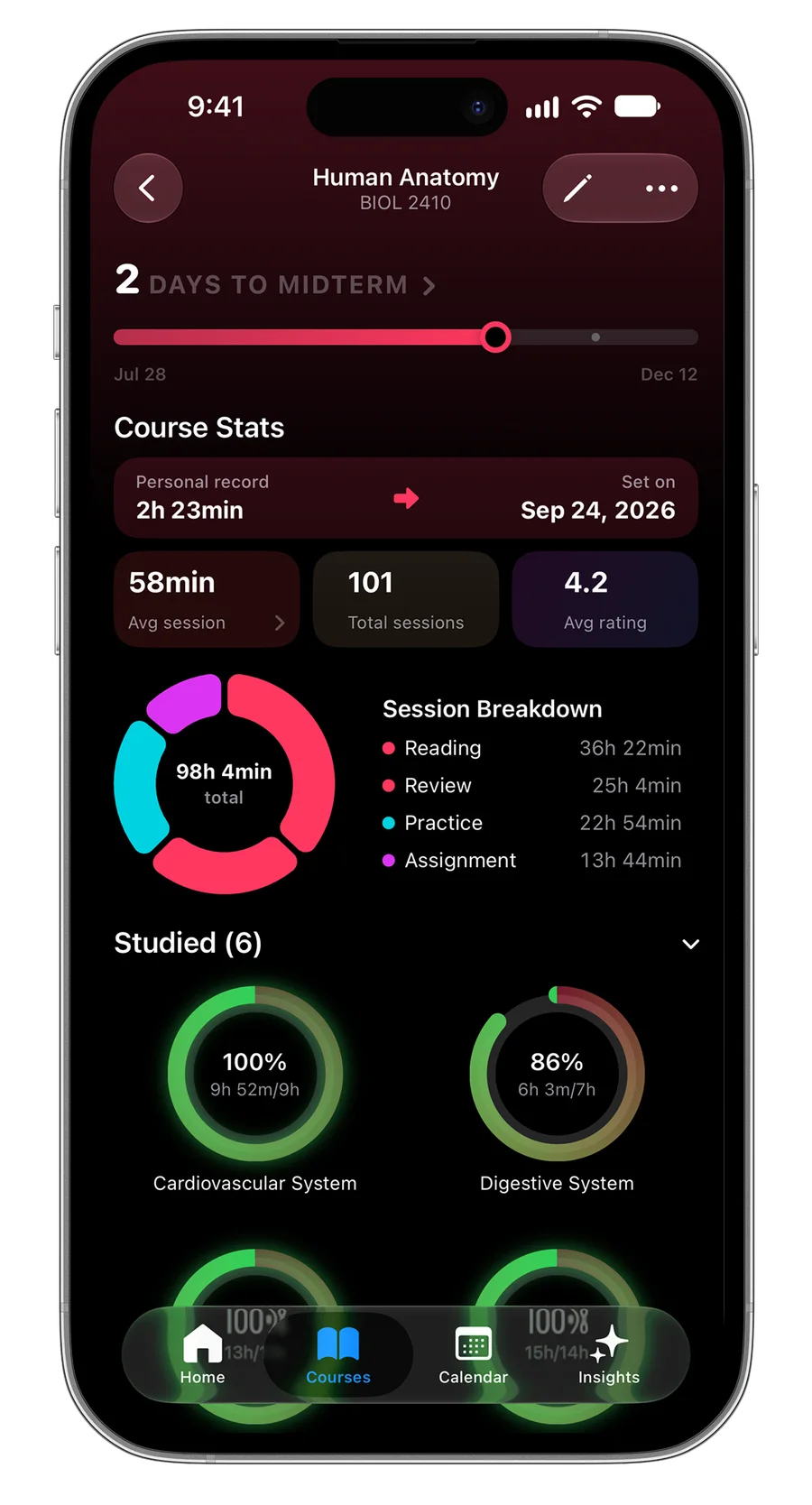
iPhone
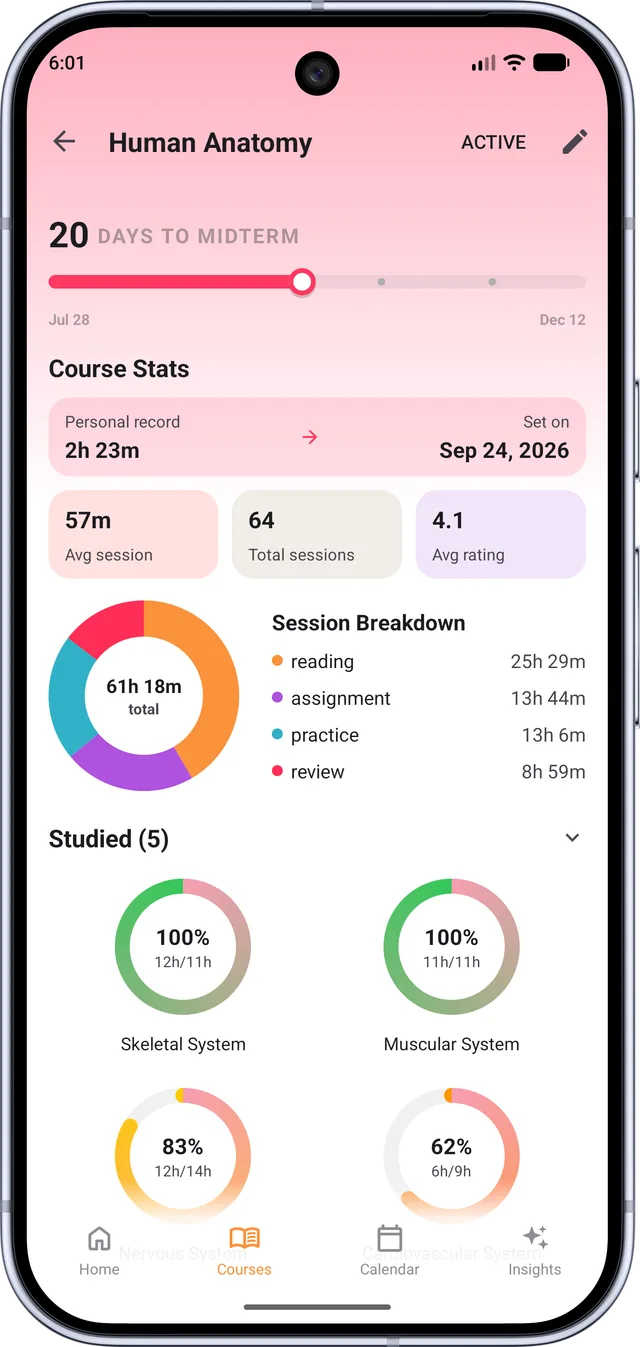
Syllabus coverage
Spot what you haven’t touched.
Break each course into its topics and give each one a target. Every session you link to a topic fills its ring, so the gaps show up weeks before the midterm, not the night before.
(coverage, not guessing)
Peak hours
Learn when you’re sharpest.
Rate each session when you finish it. Estudylog lines those ratings up against the time of day, so your best hours show up on their own, and the hard topics can go there.
- Finish and rate. One tap, from 1 to 5.
- See the pattern. Your ratings, plotted by the hour.
- Plan around it. Put the hard topics in your peak window.
(numbers, not vibes)
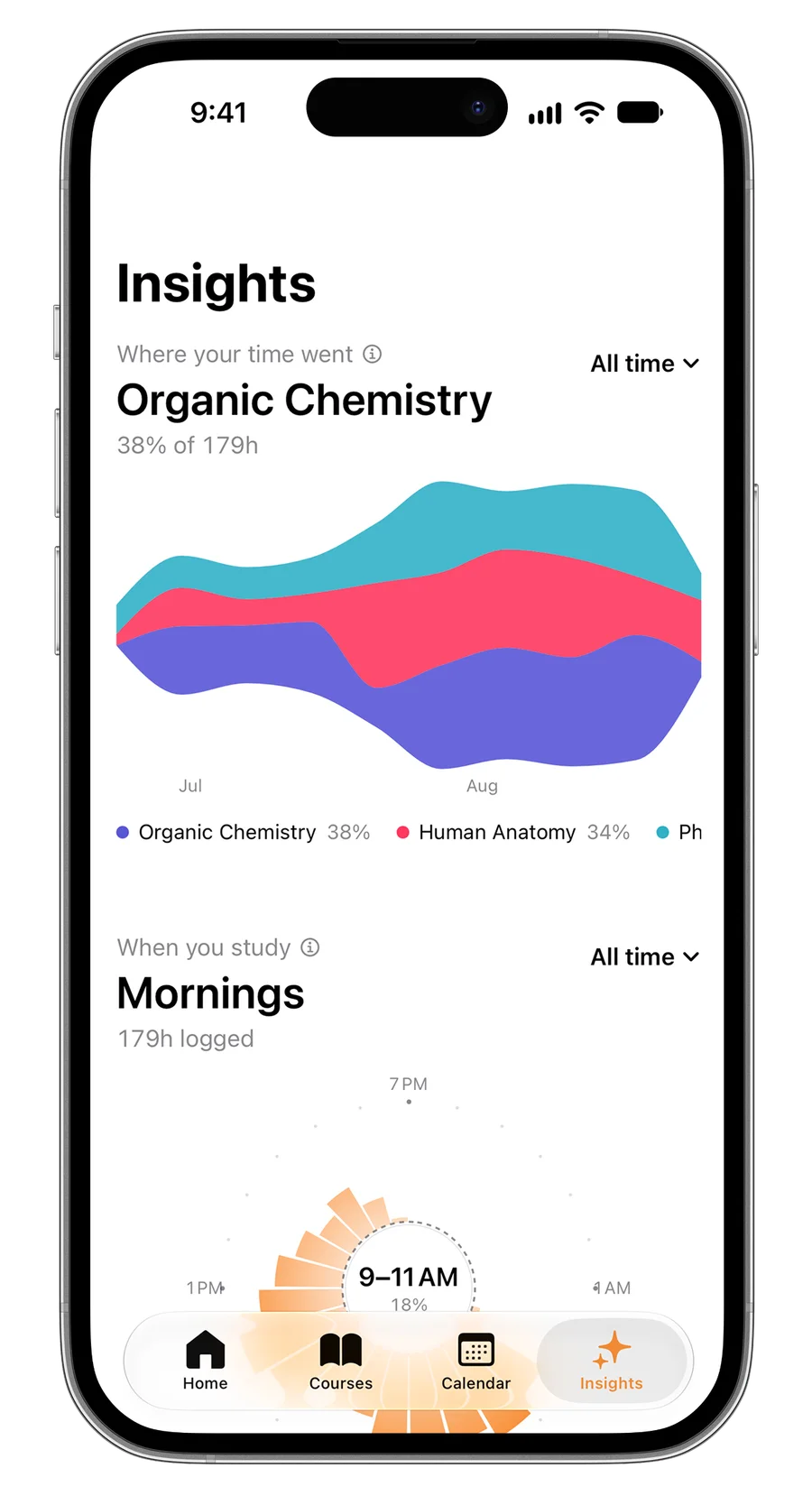
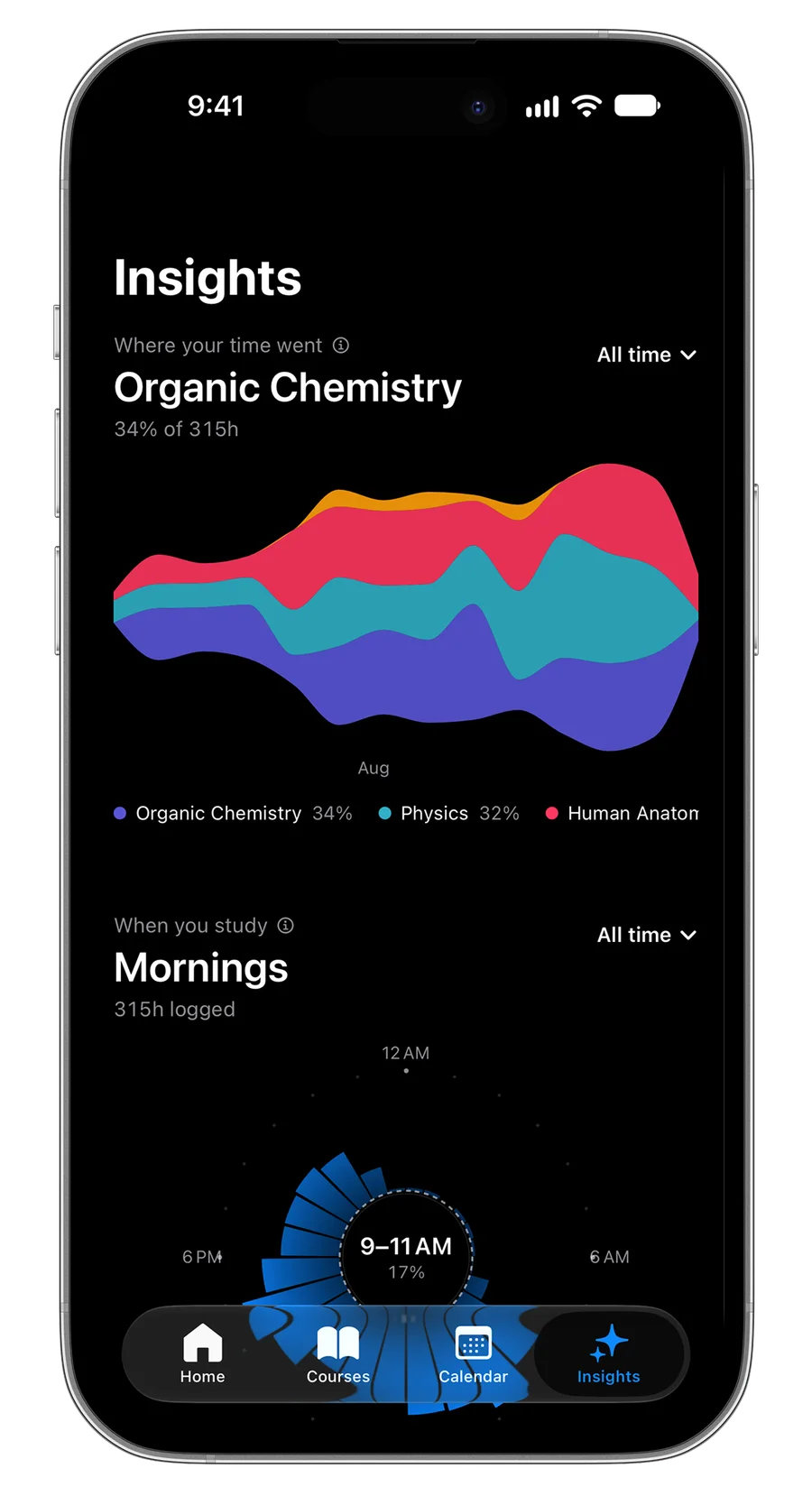
iPhone
Streaks
And don’t break the chain.
Every day you study fills in a square on your calendar, whether you logged it on your phone, your iPad or your Mac. Miss a day and you’ll see it. Show up and the chain keeps growing.
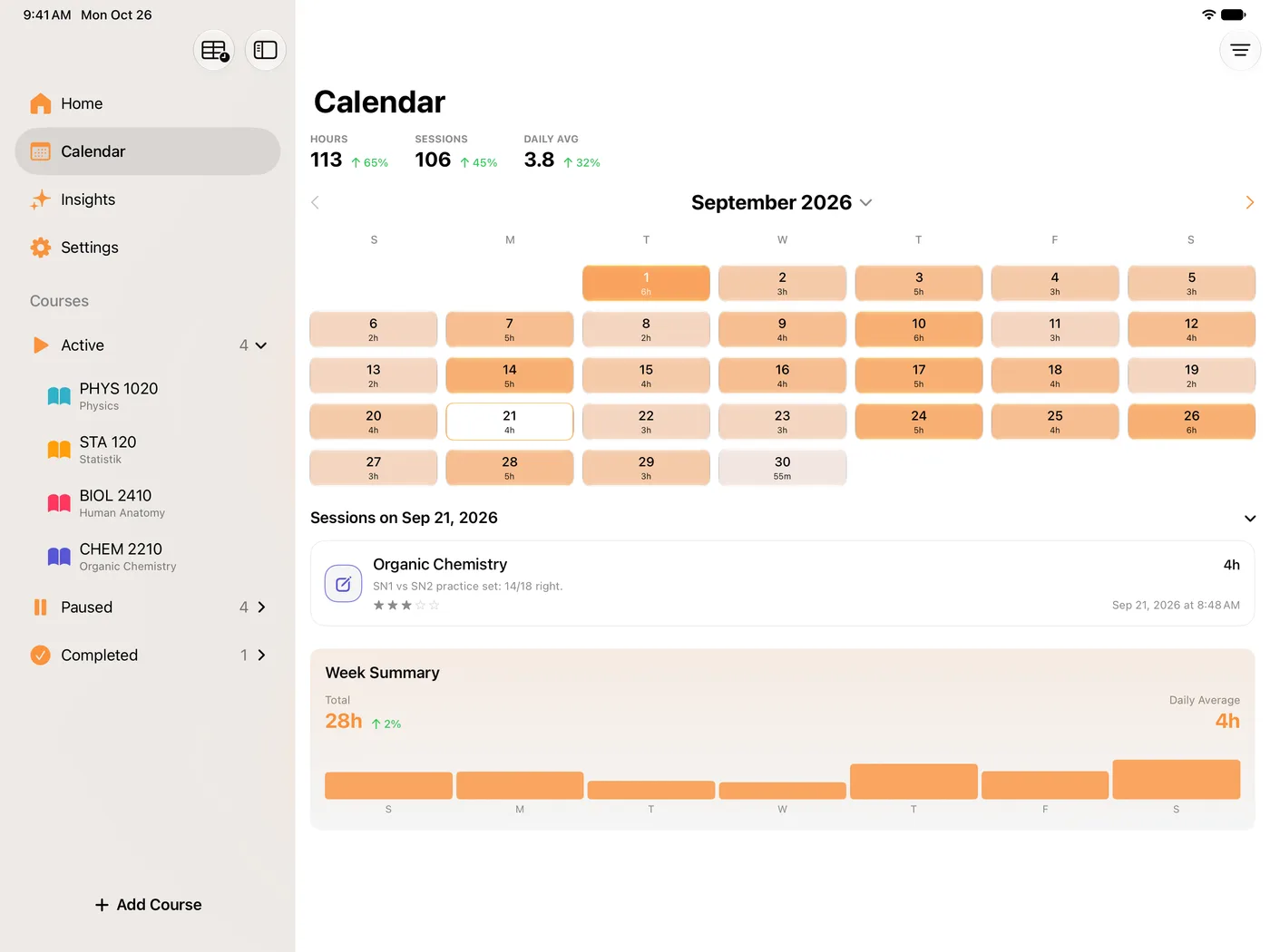
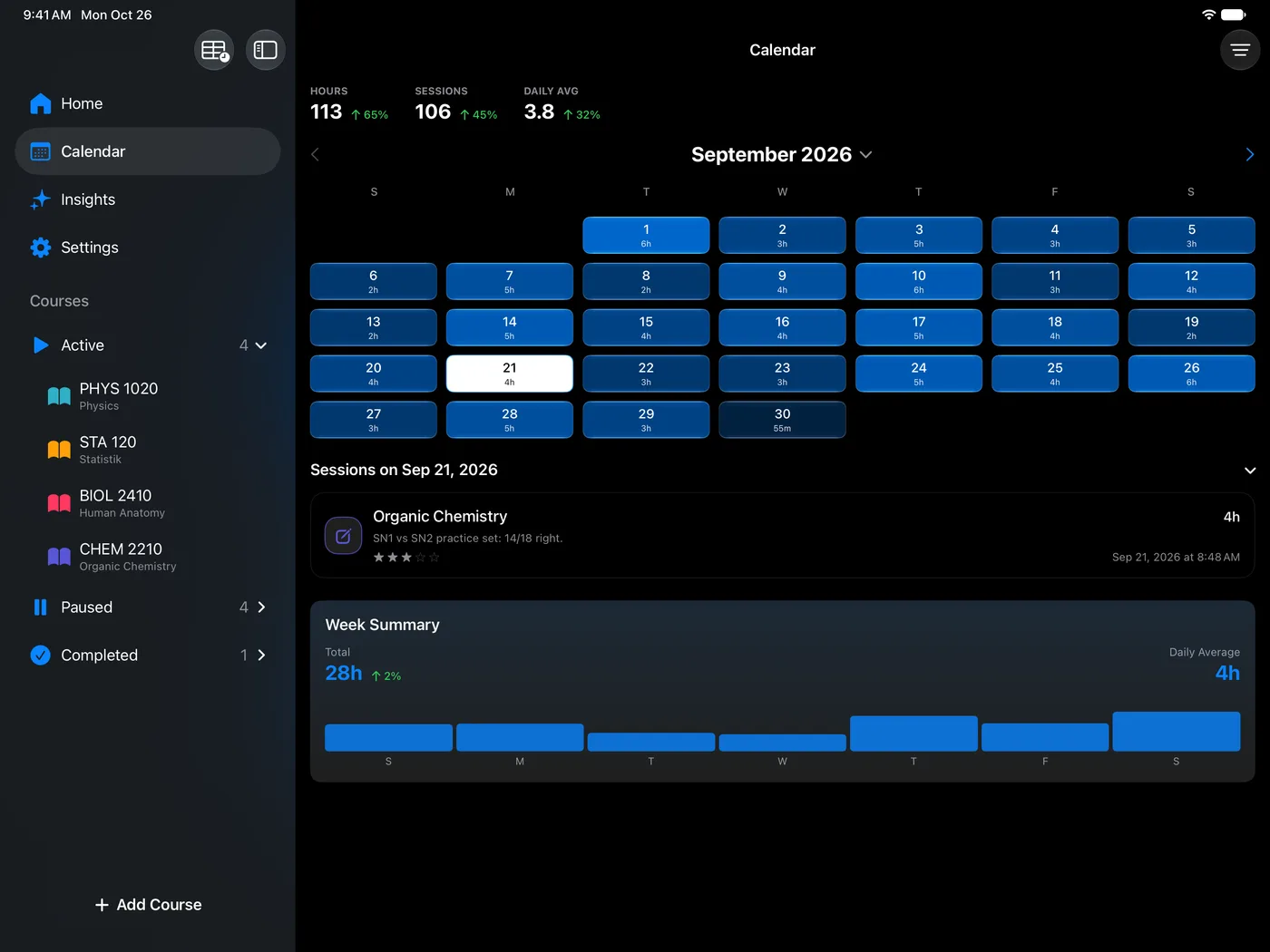
iPad
Same account, same streak on every device. See Estudylog on each platform
What is Estudylog?
Estudylog is a study tracker and study timer for iPhone, iPad, Mac, Apple Watch, and Android, built for students who want to understand where their study hours go, which courses need attention, and when they focus best. Instead of only counting minutes, Estudylog connects every study session to a course, study type, topic, note, and focus rating. Over time, those sessions turn into study analytics such as peak study hours, topic coverage, study method balance, and progress by course.
Students
What students are saying.
FAQ
Common questions.
Is the app free?
Yes, you can download Estudylog for free on the App Store and Google Play. We have a premium tier for unlimited courses, but the core features are free to start.
Is it available on Android?
Yes. Estudylog is available on Android — download it free from Google Play. It’s also on iPhone, iPad, Mac and Apple Watch, and your courses, sessions, and stats sync across your devices.
Do I need internet to study?
No. You can run timers offline. Your data will sync to the cloud automatically the next time you connect.
Make your next study session count.
Free to download — on iPhone, iPad, Mac and Android.